AERODIAL
PRO.
The same sky, magnified. A 2.1-inch round touchscreen and a sharper 480 × 480 canvas give radar, aircraft, satellites and weather the space they deserve.
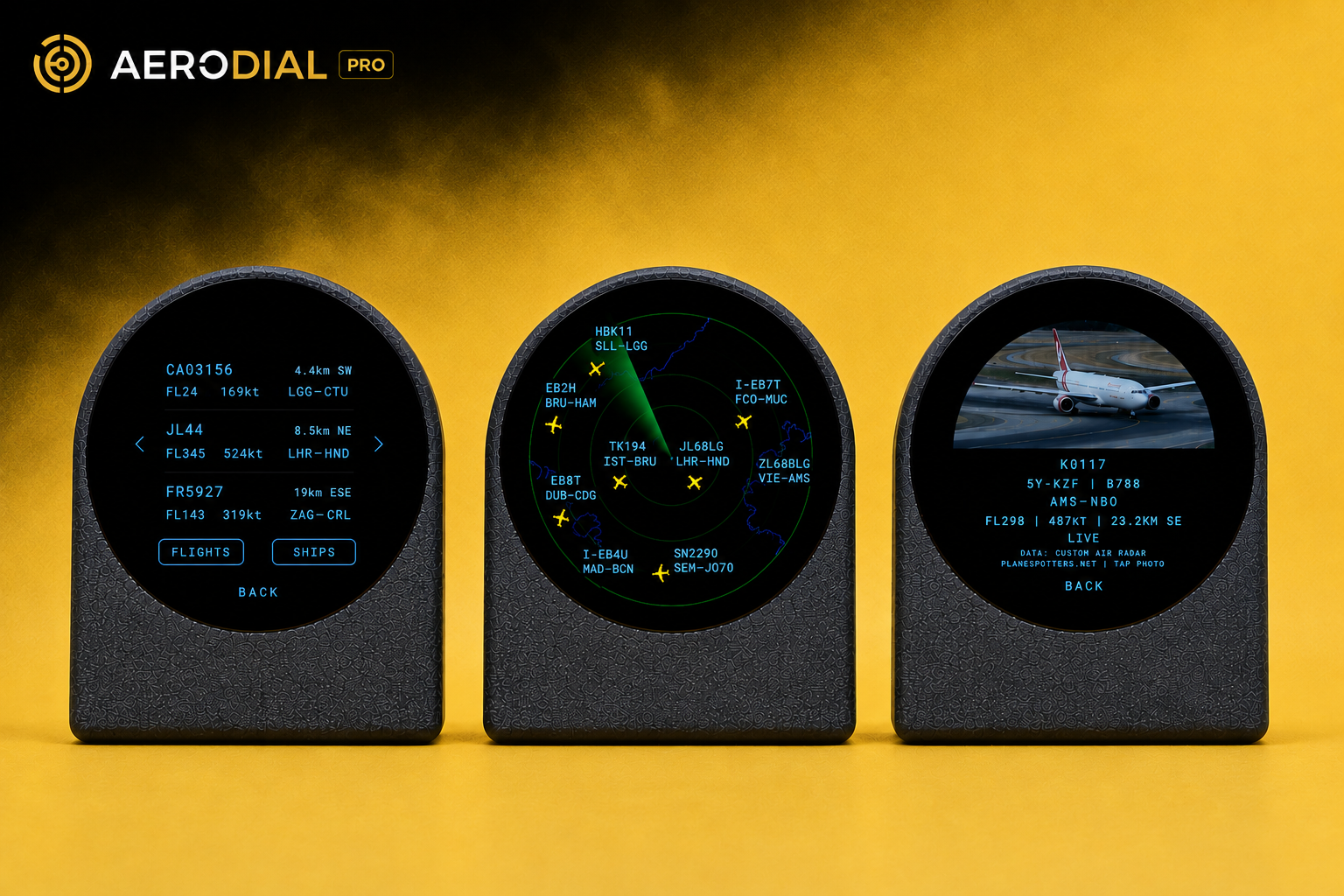
Every screen, up close.
A bigger stage for the sky.
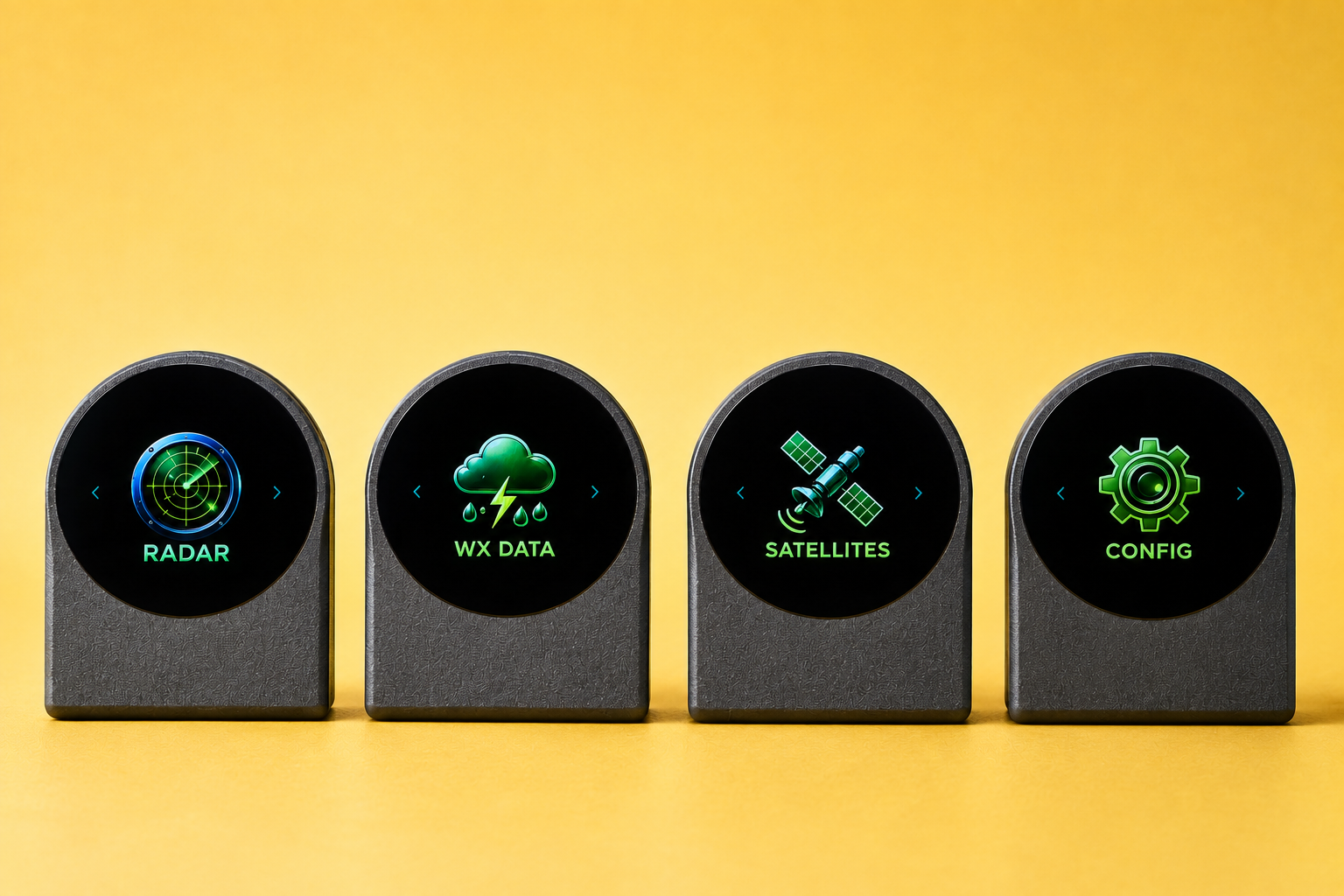
2.1-inch round touchscreen at 480 × 480
The Pro display is larger and denser, so every radar sweep, traffic label, satellite marker and menu is easier to read at a glance. Text stays crisp, maps stay legible, and the entire interface feels more spacious without crowding the dial.
- Brighter, more detailed radar graphics
- Larger touch targets for tap navigation
- Readable METAR text and settings labels
- Smoother globe rotation and list scrolling
Tap a plane. Learn its story.
Tap from radar or list
Touch any aircraft blip on the radar or any row in the traffic list to open a full detail page for that flight.
Rich flight context
See registration, aircraft type, flight or callsign, route, altitude, speed, distance, direction and live status in one organized view.
Aircraft photos
When a photo is available, AeroDial Pro displays it with photographer credit and a QR code linking to the original source page.
Follow the aircraft you care about.
Track by registration, flight or callsign
Instead of watching every blip, tell AeroDial Pro exactly which aircraft to watch. Enter a registration, flight number or callsign and the dial will keep that plane centered in your attention.
Full QWERTY keyboard
Type Wi-Fi passwords and ICAO codes comfortably on the touchscreen.
Target lock
The radar and traffic list stay focused on your selected aircraft.
Filter the sky down to military traffic.
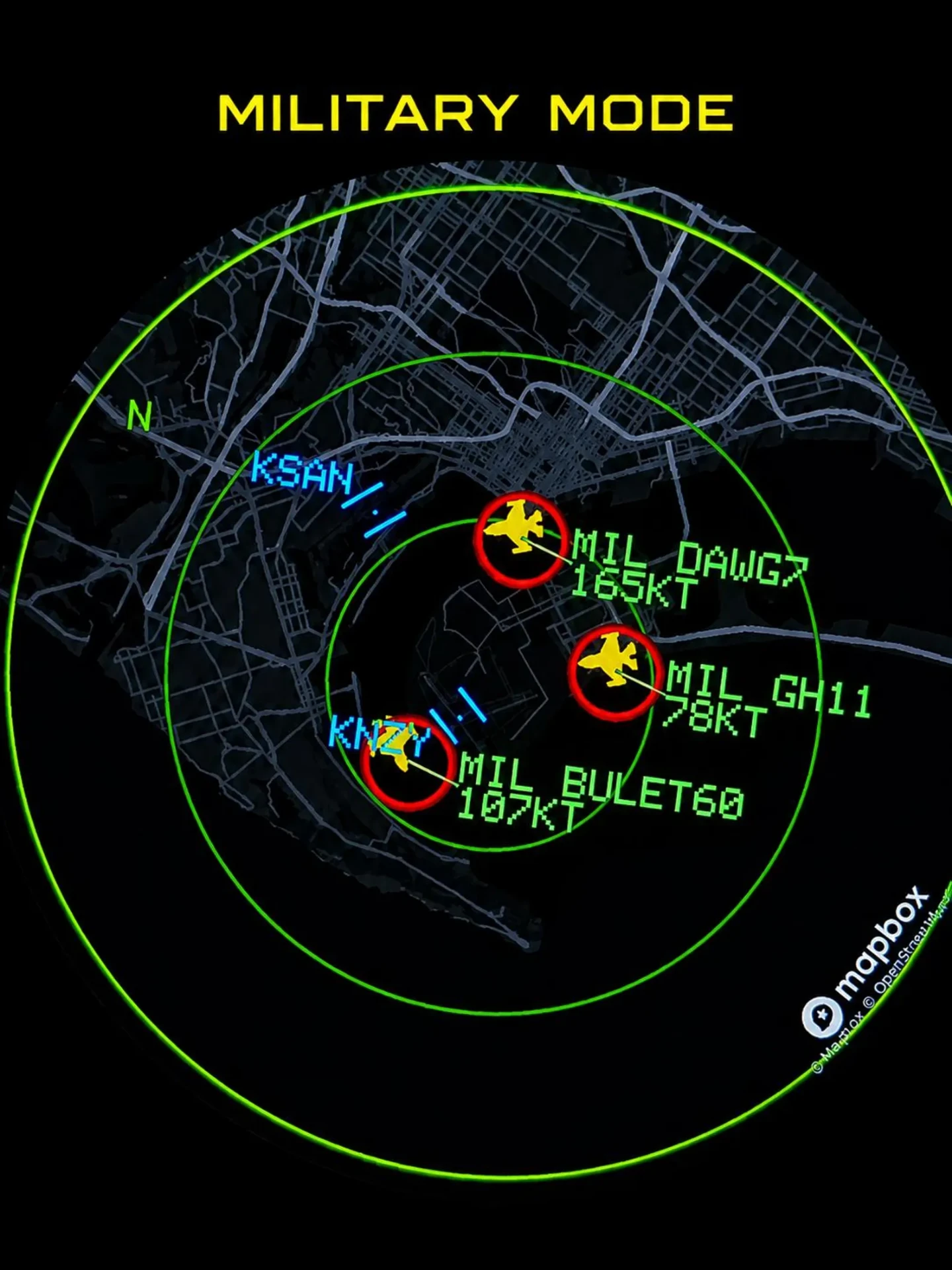
Switch the dial into Military Mode and everything else fades away. Military callsigns are highlighted with their own marker style so military aircraft stand out instantly against the map background.
Military-only filter
Show just military traffic inside your radius, or keep it layered over civil traffic.
Distinct markers
Highlighted rings and icons make military contacts unmistakable on the radar.
Callsign & speed labels
Each contact carries its callsign and groundspeed right on the sweep.
Audible alerts
Get a chime the moment a military aircraft enters your defined radius.
See the dial in motion.
Part 1
Booting up, the radar view and moving through the main screens.
Part 2
Aircraft detail pages, weather, satellites and settings.
The radar speaks to you.
When the radar sweep reaches the aircraft you are tracking, AeroDial Pro gives a clear double beep. Even with the sweep disabled, it can remind you periodically that your target is still in range, so you never miss a moment.
Set it up your way.
Direct on the touchscreen
Everything from Wi-Fi credentials to home coordinates, airport code and satellite selection can be entered right on the device using the on-screen keyboard and menus.
Temporary AeroDial setup network
Prefer your laptop or phone? Connect to the AeroDial-Setup network, open the Web Console, and configure everything remotely. The Web Console can also switch the physical display between Menu, Radar, Aircraft, METAR, Satellite and Settings.
Built to show more.
AeroDial Pro keeps the same reliable wireless core as the AeroDial Touch, but pairs it with a larger, higher-resolution display and software tuned for touch-first exploration.